The short answer
Look at the upload screen or help page for your phone system. That’s the only rule that counts. If you can’t find it, the safest file is a WAV, 8 kHz, 16-bit, mono. Some systems want that same file in u-law, and many cloud systems also take MP3. Keep the file small, because most systems cap uploads at a few megabytes. Or just tell your voice actor the name of your phone system, and the files should load the first time.
Most of the phone scripts I record come with the same question at the end: “What format do you need from us?” The honest answer is that your phone system decides, not me. A file that sounds great on your laptop can still get rejected by the upload button. This guide explains the settings in plain English, shows what the big systems ask for, and tells you how to find out what yours wants in about two minutes.
1. Why phone audio is different
A phone call carries a much narrower slice of sound than music does. The standard behind ordinary phone audio, called G.711, samples sound 8,000 times a second. A music file samples it 44,100 or 48,000 times a second. So the phone simply throws away the very high and very low parts of a voice.
That’s why many phone systems ask for an 8 kHz file. It’s also why a greeting can sound a little thinner on the line than it did in the studio. That part is normal. What you want is a clean, clear read that still sounds good after the phone line trims it.
2. The settings, in plain English
Your phone system’s help page will usually list four or five of these. Here’s what each one means.
| Setting | What it means | Common phone value |
|---|---|---|
| File type | The kind of file. WAV is uncompressed and accepted almost everywhere. MP3 is smaller but not every system takes it. | WAV, sometimes MP3 |
| Sample rate | How many times a second the sound is measured. | 8 kHz (8,000 Hz) |
| Bit depth | How much detail each of those measurements holds. | 16-bit, or 8-bit for u-law files |
| Channels | Mono is one channel. Stereo is two. A phone call is mono. | Mono |
| Encoding | How the sound is packed inside a WAV. “PCM” is plain and uncompressed. “u-law” and “A-law” are the two phone versions of G.711. | PCM or u-law in North America |
| File size | The biggest upload the system will accept. | Often 2 to 20 MB |
u-law or A-law? They do the same job. u-law is used in North America and Japan. A-law is used in Europe and most of the rest of the world. If your business is in the US and your system asks for one of them, it’s almost always u-law.
3. What the big phone systems ask for
I checked each of these on the company’s own help pages on 26 October 2026. Phone companies change these from time to time, so treat this as a starting point and check your own system’s page before you upload.
| Phone system | File types | What else it asks for |
|---|---|---|
| RingCentral | WAV or MP3 | Recommends 8 kHz mono. Greetings up to 20 MB. |
| Zoom Phone | WAV or MP3 | Each file under 10 MB. |
| Microsoft Teams Phone | WAV or MP3 | WAV must be uncompressed PCM, mono or stereo. Up to 5 MB. |
| 8x8 | WAV, MP3, AU or VOX | 10 MB or smaller. |
| Vonage Business | WAV or MP3 | u-law, 8 kHz, 8-bit, mono. Up to 8 MB. |
| Nextiva | WAV only | u-law, 8 kHz, mono. Under 2 MB. |
| Webex Calling | WAV only | 8 or 16 kHz, mono, u-law, A-law or PCM. Small limit, 2 to 5 MB depending on the feature. |
| Cisco Unified CM (on-site) | WAV only | 16-bit PCM. Cisco says it does not support MP3. |
| Avaya IP Office (hold music) | WAV only | PCM, 8 kHz, 16-bit, mono, up to 90 seconds. |
| Mitel MiVoice Business | WAV only | A-law or u-law, 8 kHz, 8-bit, mono. |
| Ooma Office | WAV or MP3 | Up to 5 MB. |
Notice the pattern. Some systems are happy with almost anything. Others will only take one exact kind of WAV. That’s why the safest move is to match your own system, not to guess.
A full phone line in one minute, from the welcome to the hold message. Clear and patient. Hear the single prompts on my phone page.
4. How to find out what your system needs
- Open the upload screen. In your phone system’s admin portal, go to where you’d upload a greeting or hold music. The accepted file types are often printed right under the button.
- Search the help page. Type the name of your system plus “upload greeting file format”. Use the result from the phone company’s own help site.
- Ask whoever set up your phones. Your IT person or phone provider will know in a minute.
- Or skip all of that. Tell me the name of your phone system. I’ll look up its requirements and deliver files that match.
5. Common problems and quick fixes
- The upload is rejected. It’s almost always the file itself. Usually that means an MP3 on a WAV-only system, or a file that’s too big. Stereo files trip up some systems too.
- The greeting sounds muffled or tinny. Some of that is the phone line itself. A clear read helps. So does keeping any music under the voice simple and low.
- The volume jumps between prompts. This happens when the prompts were recorded at different times or by different people. Recording the whole set together fixes it.
- Nobody knows which file is which. Ask for one file per prompt, named to match your script: “01-main-greeting”, “02-main-menu”, “03-after-hours”. Some systems also limit how long a file name can be, so short names are safest.
6. What you get from me
Every phone prompt I record arrives as its own file, named to your list, in the exact format your phone system asks for. I’ll also include a full-quality master of each one, so if you ever switch phone systems you won’t need to record again. I can deliver the voice on its own or mixed with music under it. Most phone scripts are delivered in under 24 hours, and you get one free revision of up to 50 words, plus pickups.
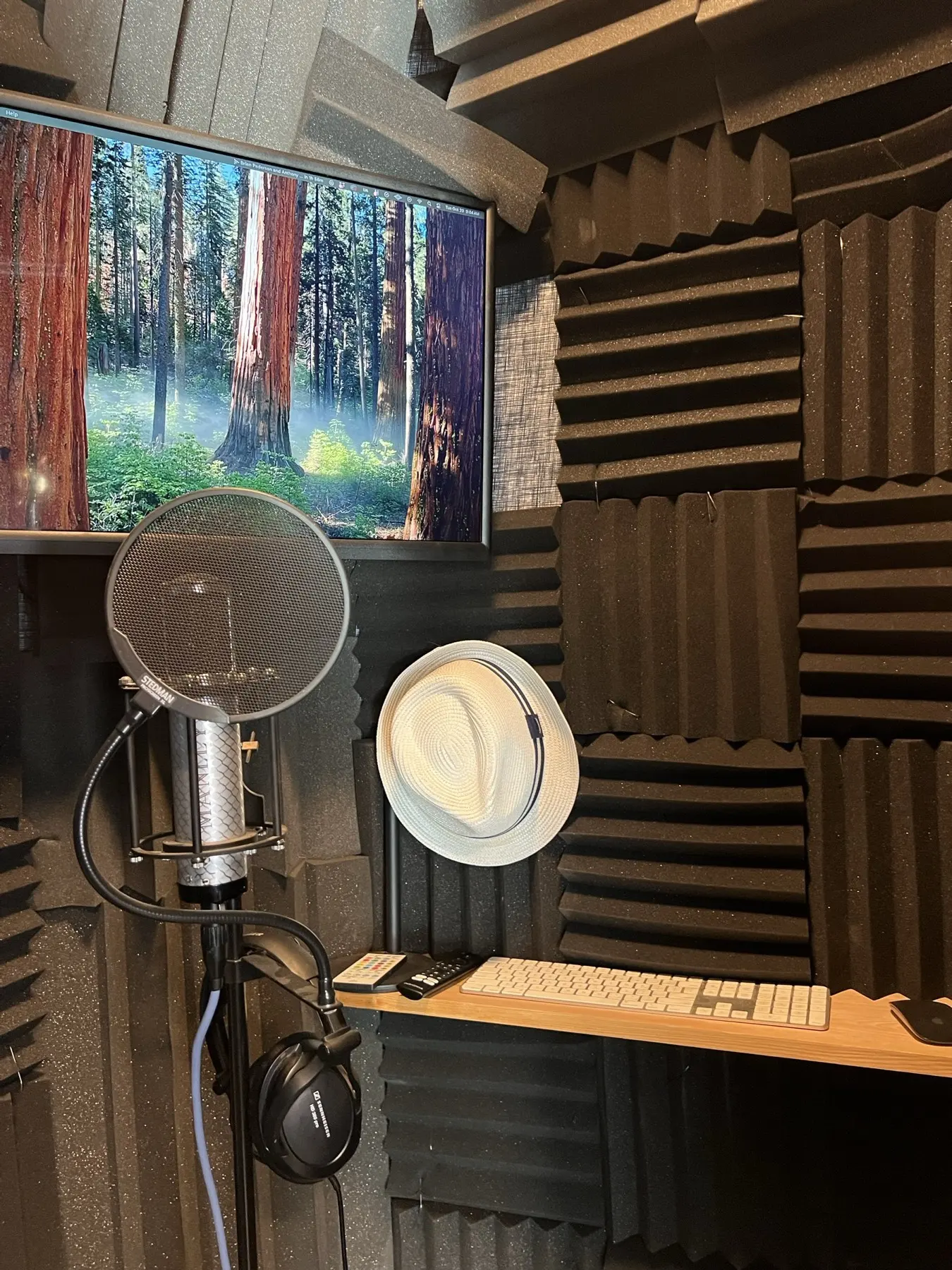
When your hours change or a holiday comes up, send me the new lines. They’ll match the voice on the rest of your line, because it’s the same voice in the same booth.
Quick questions
Is WAV or MP3 better for a phone system?
WAV is the safer choice. Almost every system takes it, and several take nothing else. Use MP3 only if your system lists it.
What does 8 kHz, 16-bit, mono mean?
It’s a WAV file made to phone-line quality: measured 8,000 times a second, with standard detail, in one channel. Many phone systems accept it.
What is a u-law WAV file?
It’s a WAV packed the way North American phone networks carry audio. Some systems, like Vonage Business and Nextiva, ask for it by name.
Can you send each prompt as its own file?
Yes. Number or name each prompt in your script and the files come back named the same way.
What if I change phone systems later?
You’ll have the full-quality masters, so the same recordings can be converted for your new system without a new session.
Have a phone script ready?
Send it over with the name of your phone system. You’ll get a free quote, and files that load the first time.
More on how I work: Phone, IVR & on-hold voice over · All demos · More guides for buyers